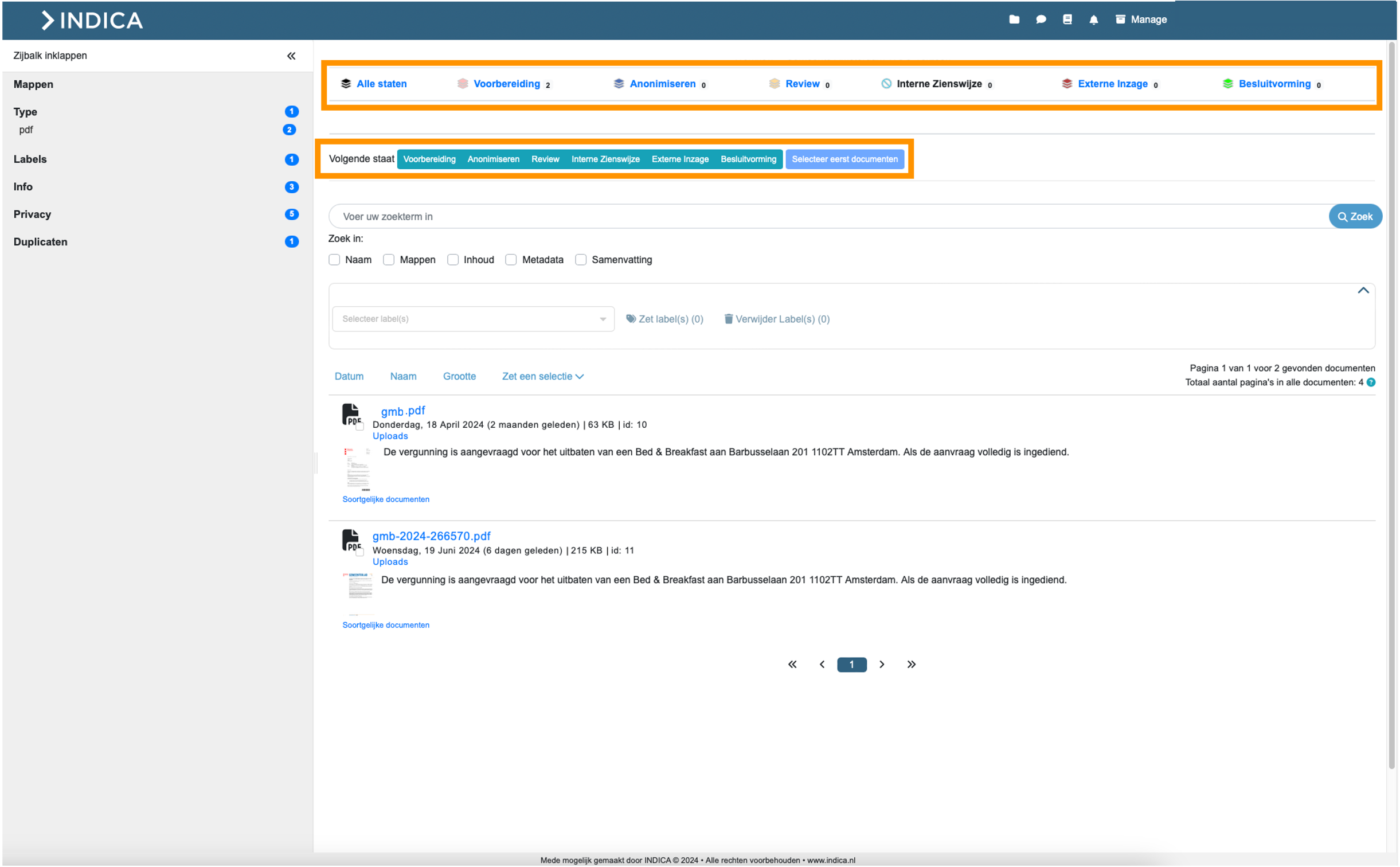
Search Page
Opening the case will take you to the INDICA Search Page.
Search and Filter
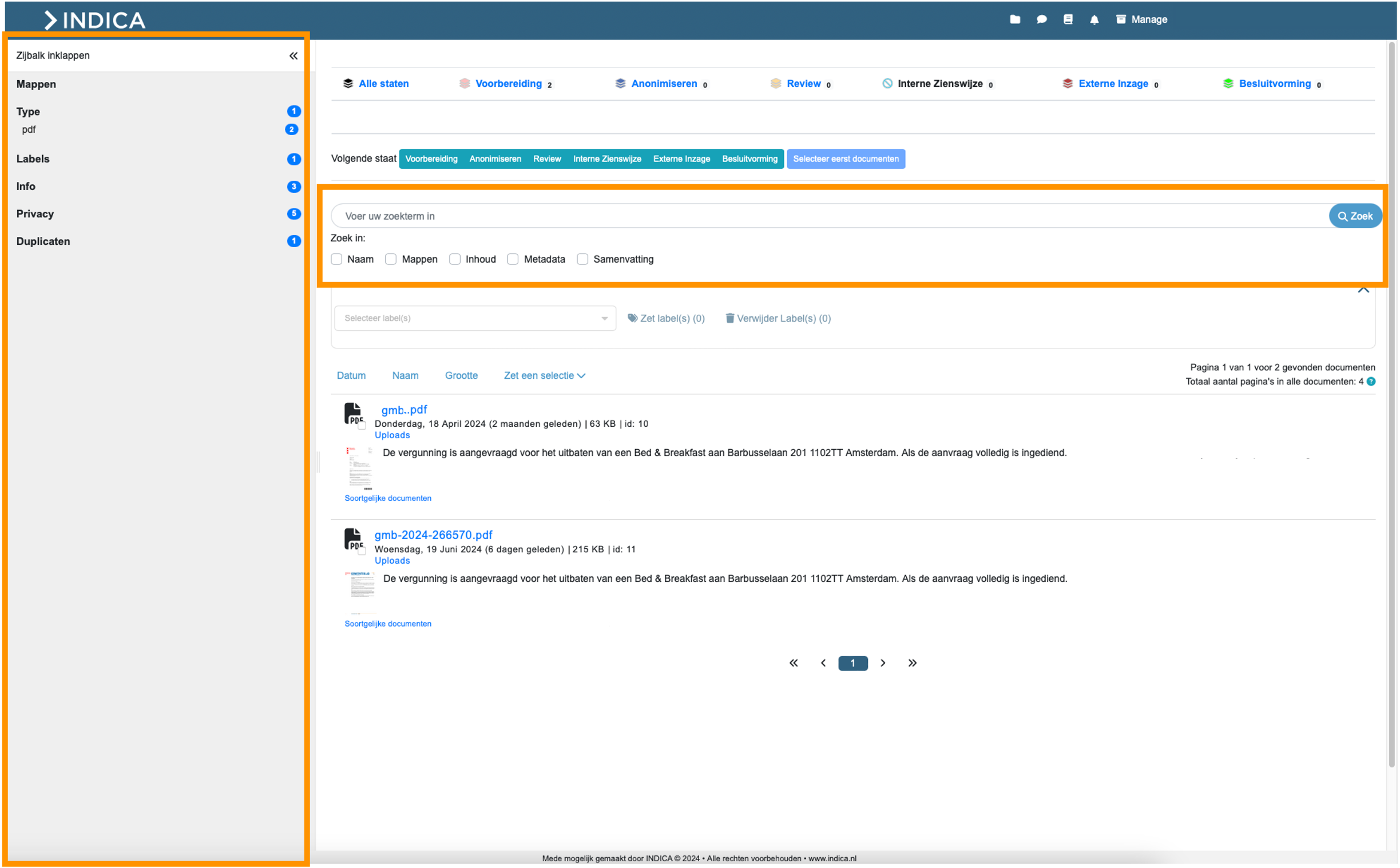
On this page, you can use the search bar to enter search terms and choose where within the file you want to search (e.g., Name, Content, etc.). Additionally, you can use the sidebar to click on filters and filter documents based on type, labels, or privacy categories.
File Selection and Labeling
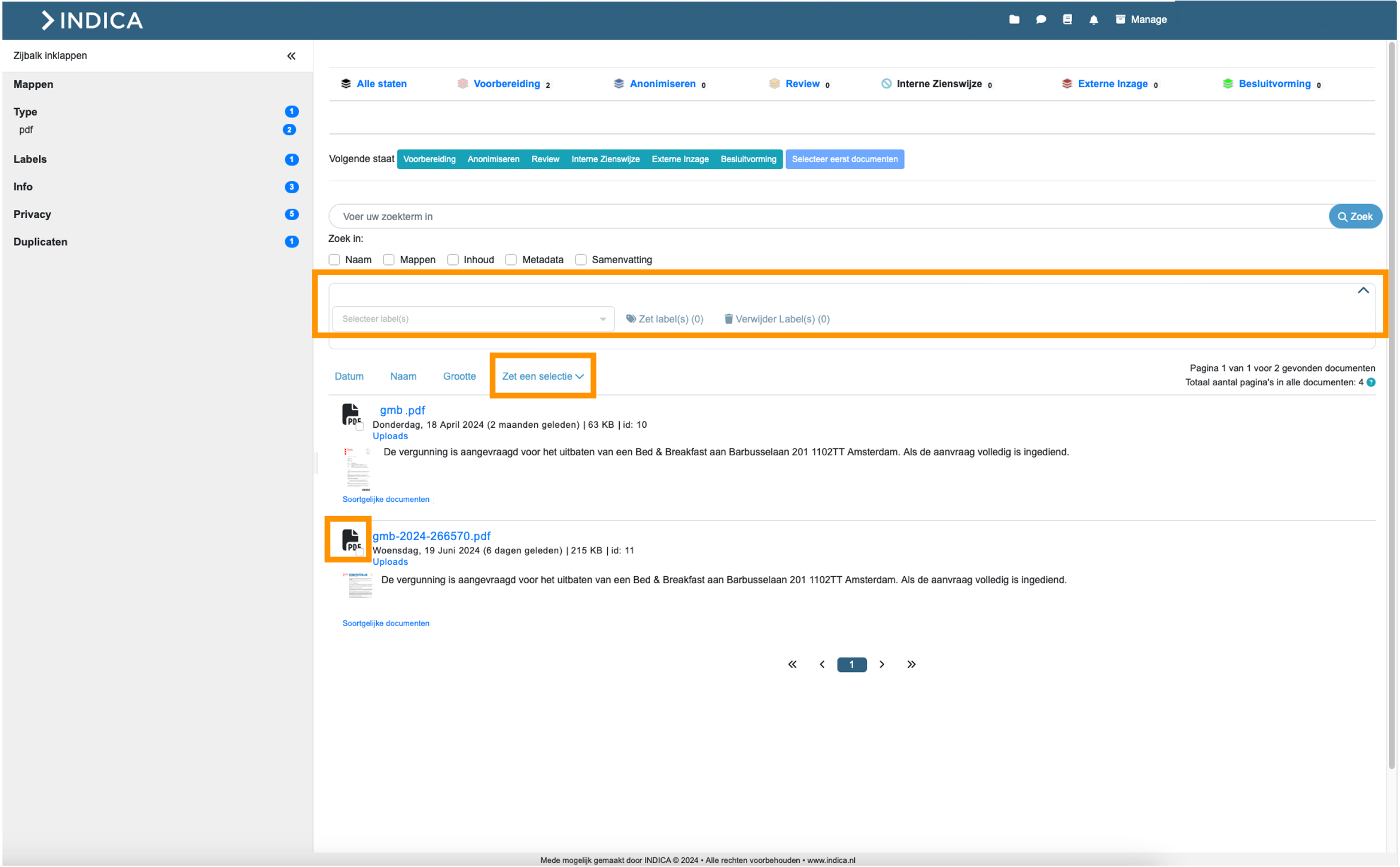
You can select documents by checking the white box next to each document or by selecting multiple at once using the ‘Make a Selection’ option. To label the selected documents, you can expand the label bar by clicking the arrow > Select labels > Apply labels.
Workflow Navigation
To move the selected documents to the next state in the workflow, click on the current state and then choose ‘Select Next State’. You can also navigate to other workflow steps by clicking on the state in the top bar.